Trucksim Gaming Controller
There is a video online in which a man attached an optical mouse to a rotating barstool to make a steering wheel for computer games. I tested the concept myself and decided to build a low budget control system for trucksim gaming.
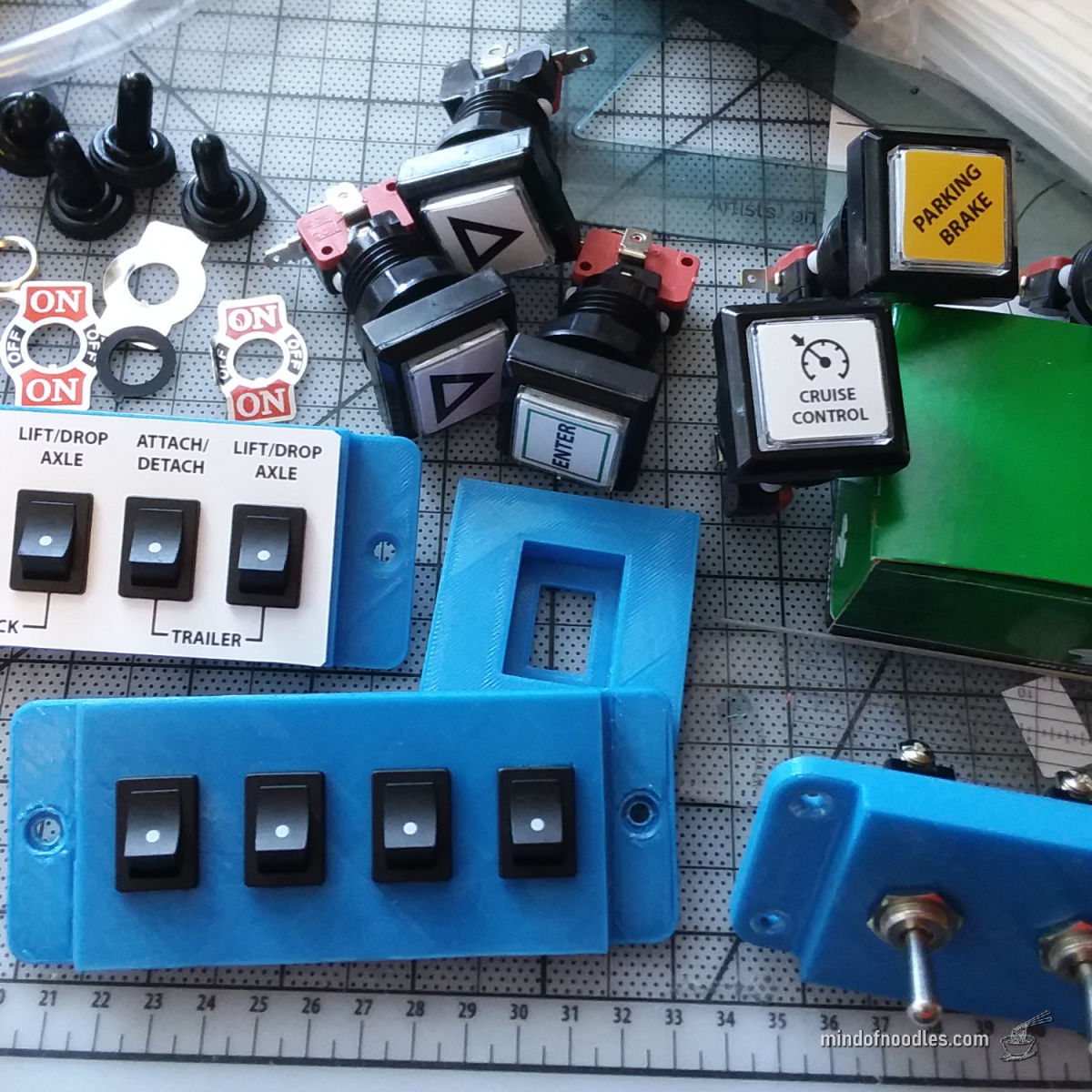
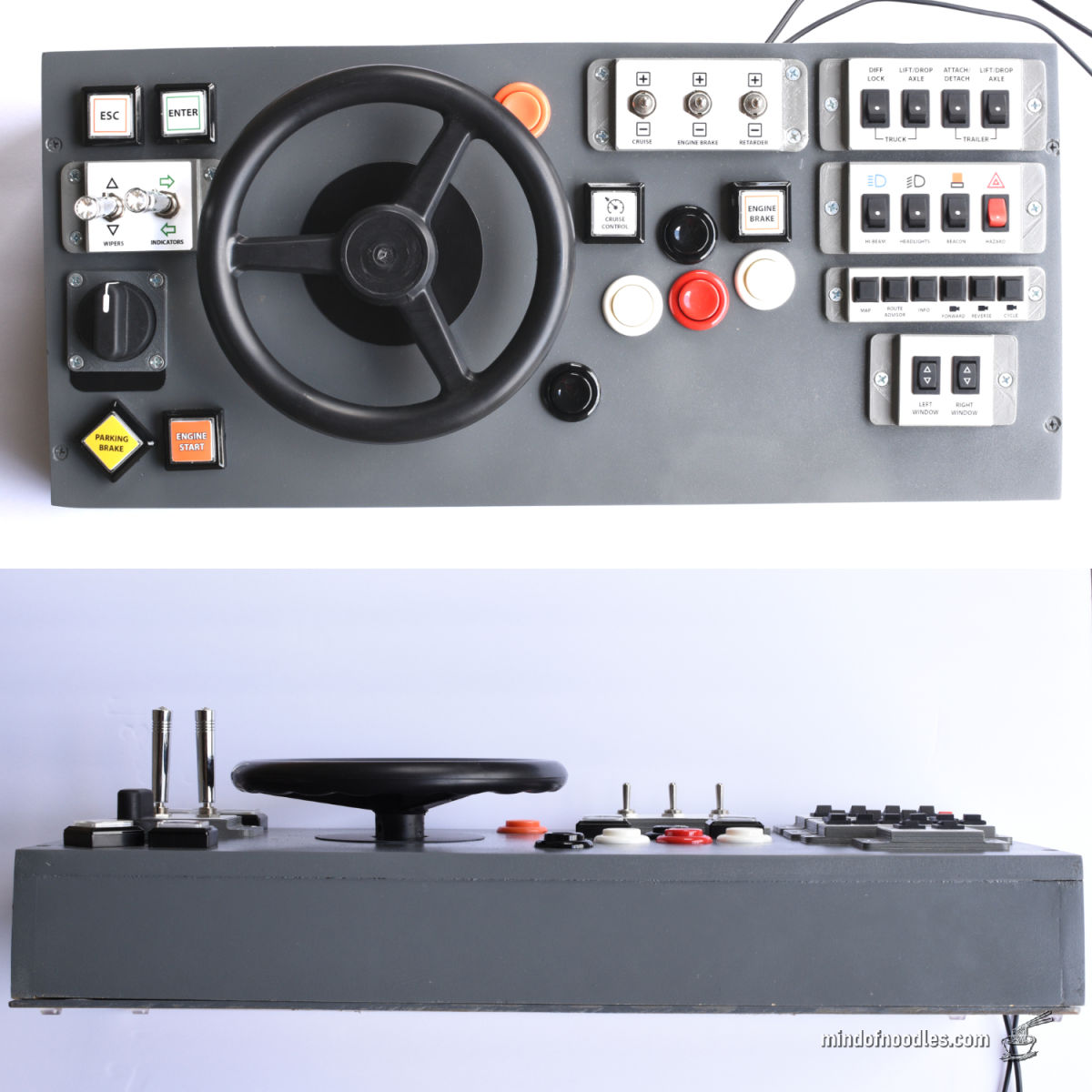
I bought a large selection of buttons and used 3D printing to make panels for the smaller ones.
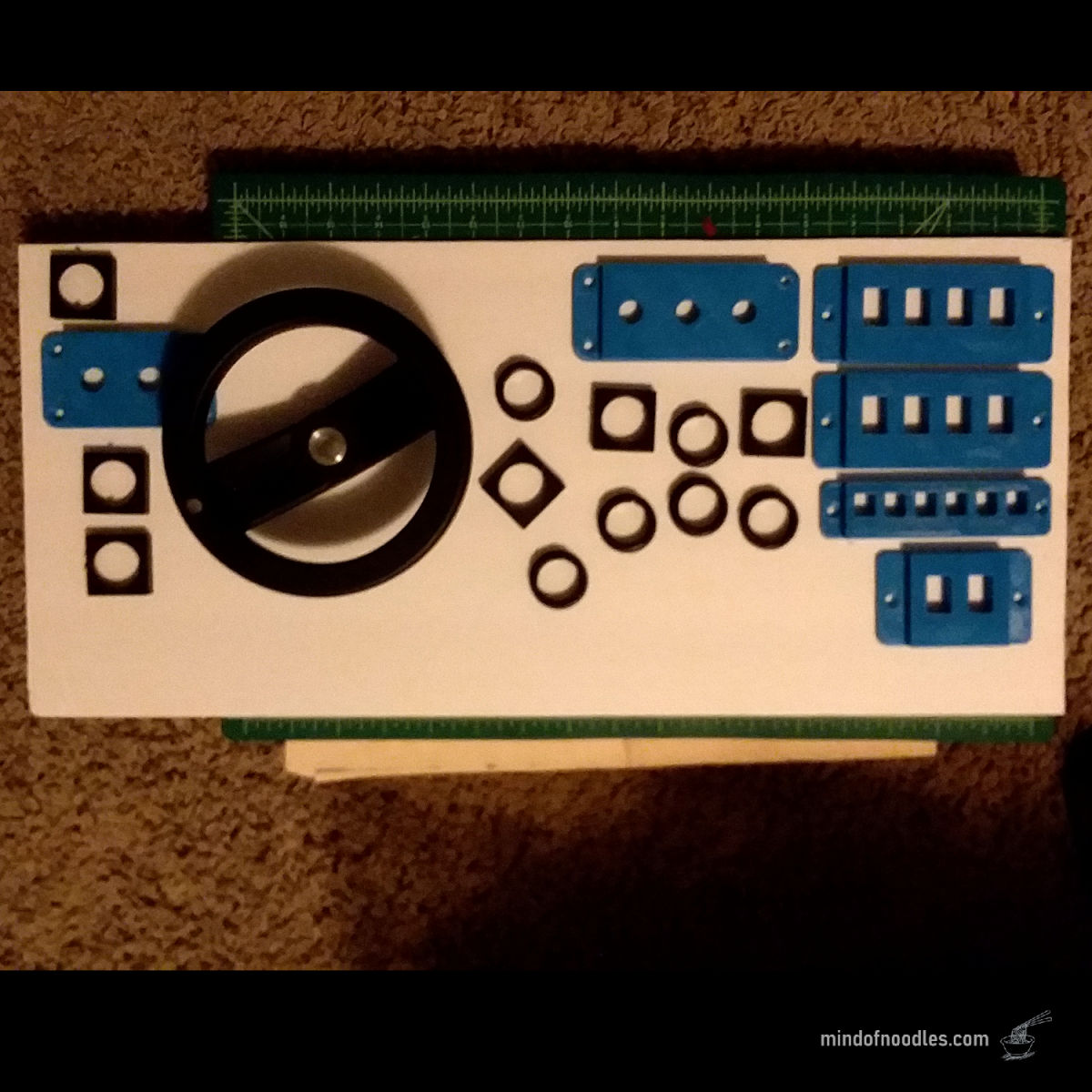
I arranged all of the controls on a single panel and bought a 6 inch aluminum hand wheel for steering.
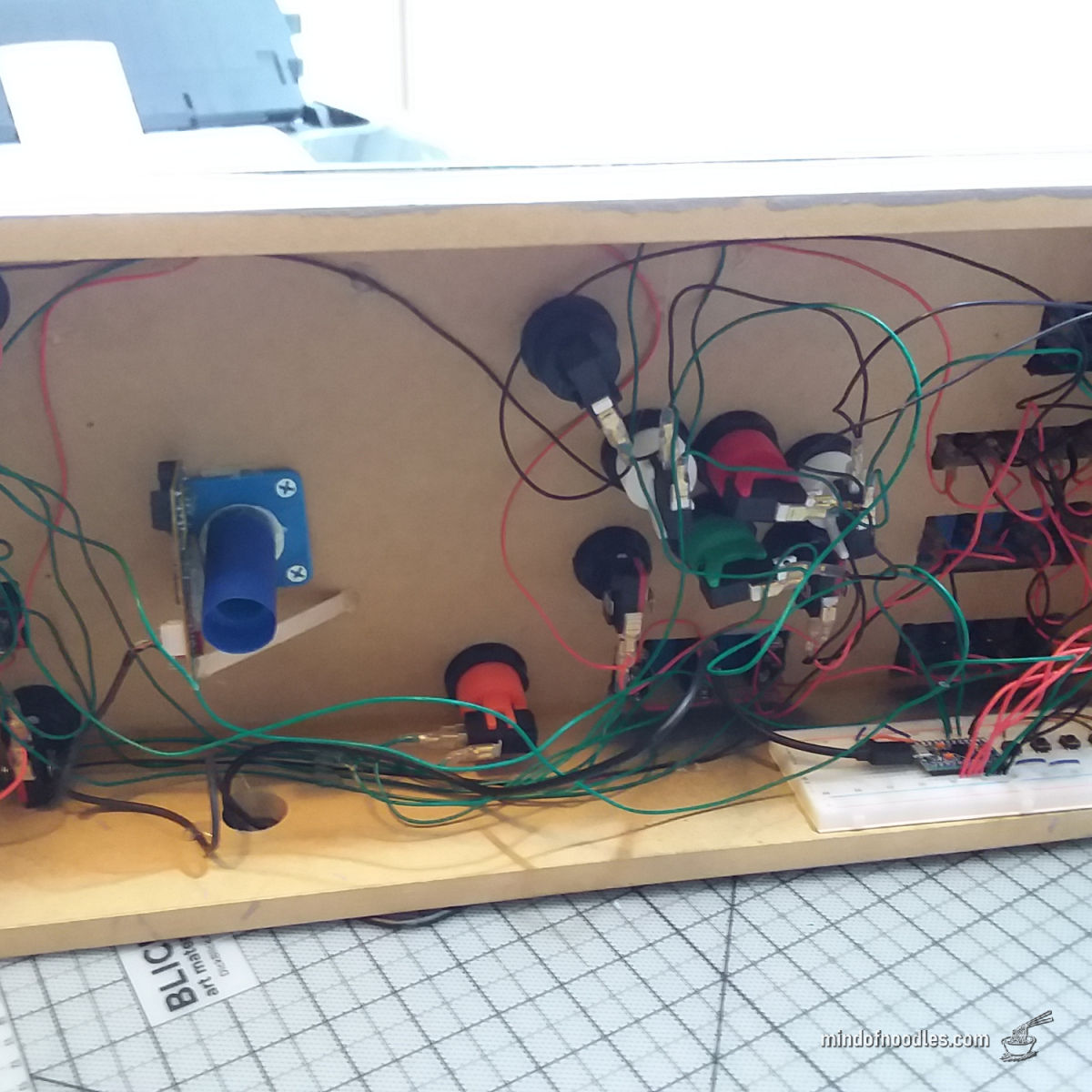
I built a plywood enclosure to hold the controls and all of the electronics.
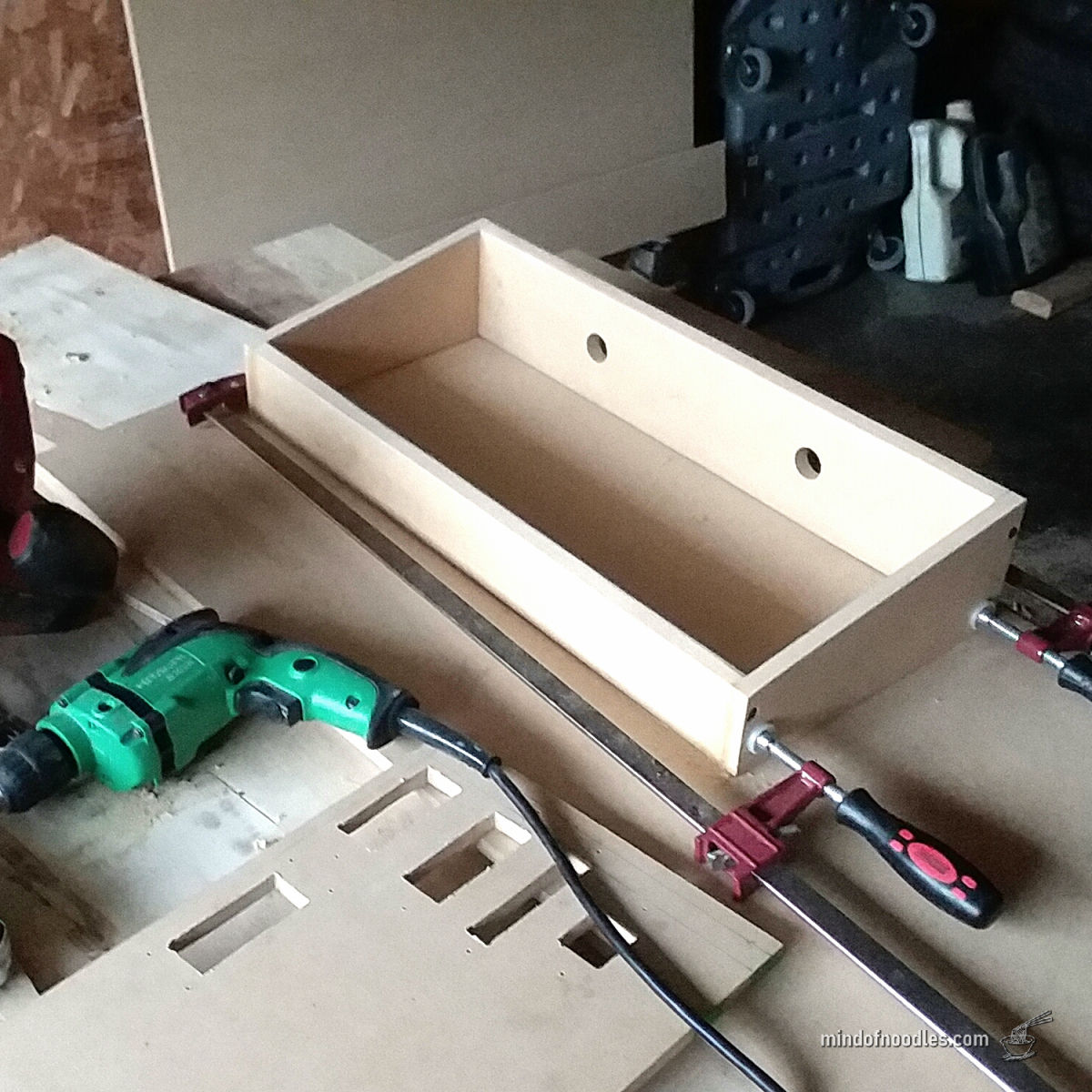
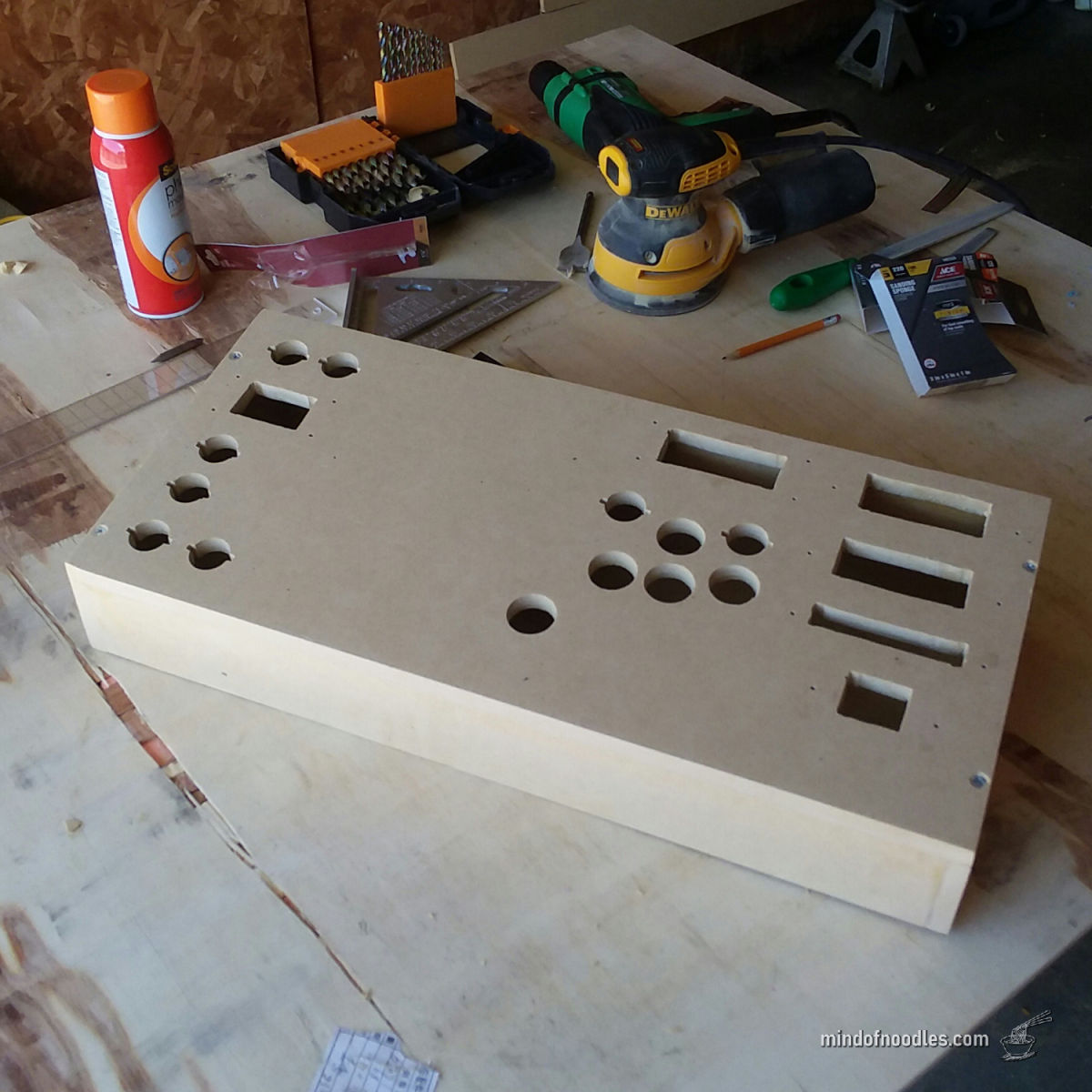
The hand wheel is attached to a plastic cylinder. The USB mouse optical sensor reads the cylinder rotation. The cylinder is covered with masking tape to improve the optical sensor reading. I learned to program Arduino and use a button matrix to support more than 40 unique inputs.
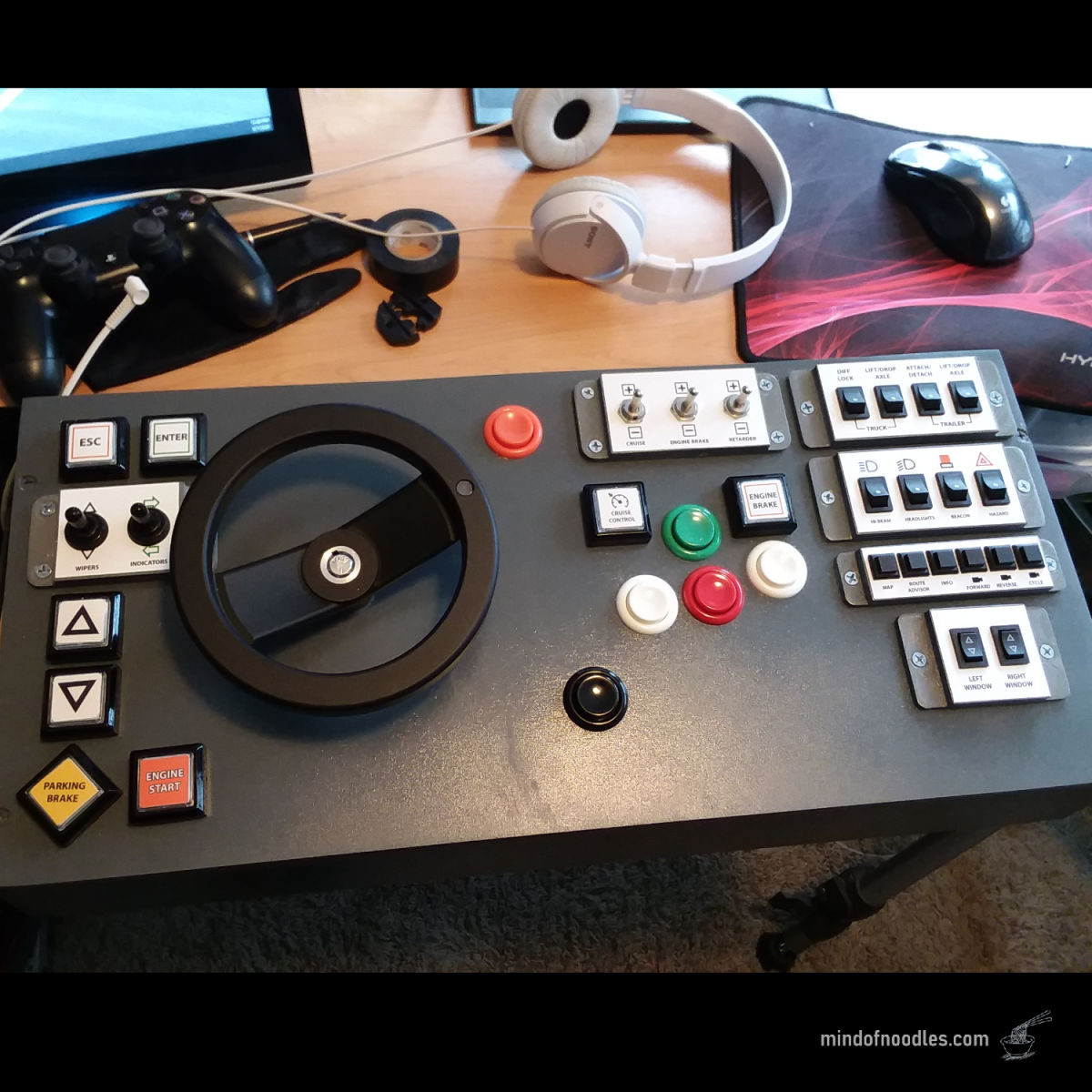
The finished controller with all controls and steering wheel. With all controls on one panel, the system sets up in seconds and stores away with no difficulty.
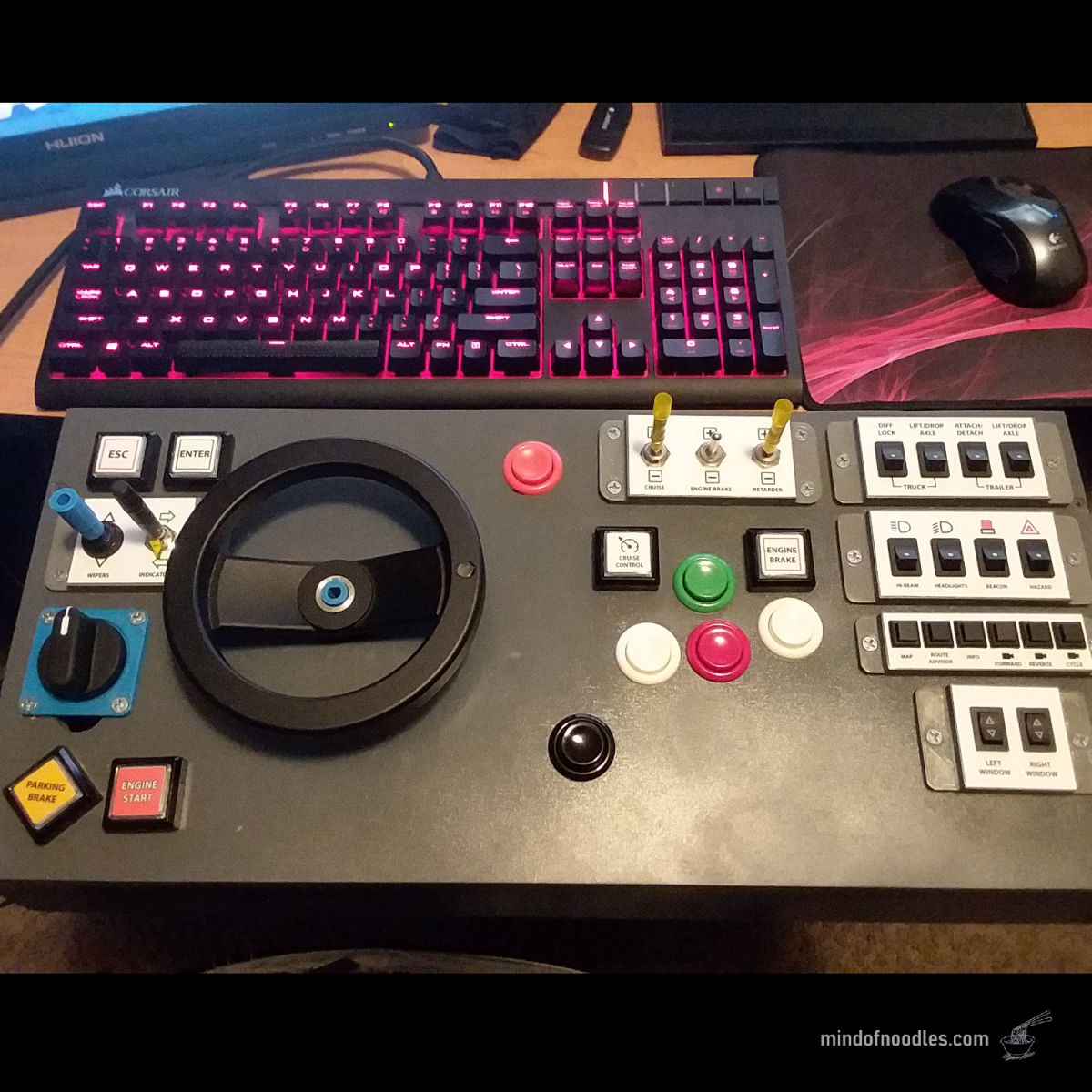
After many hours on the system, I added extensions to the toggles and a selector switch for automatic transmission modes. I removed the USB mouse and installed a rotary optical encoder instead.
Eventually some parts of the controller began to deteriorate, so I stripped it and rebuilt it. I bought an 8 inch pedal tractor steering wheel and metal toggle extensions. I rewired and reprogrammed the entire system.
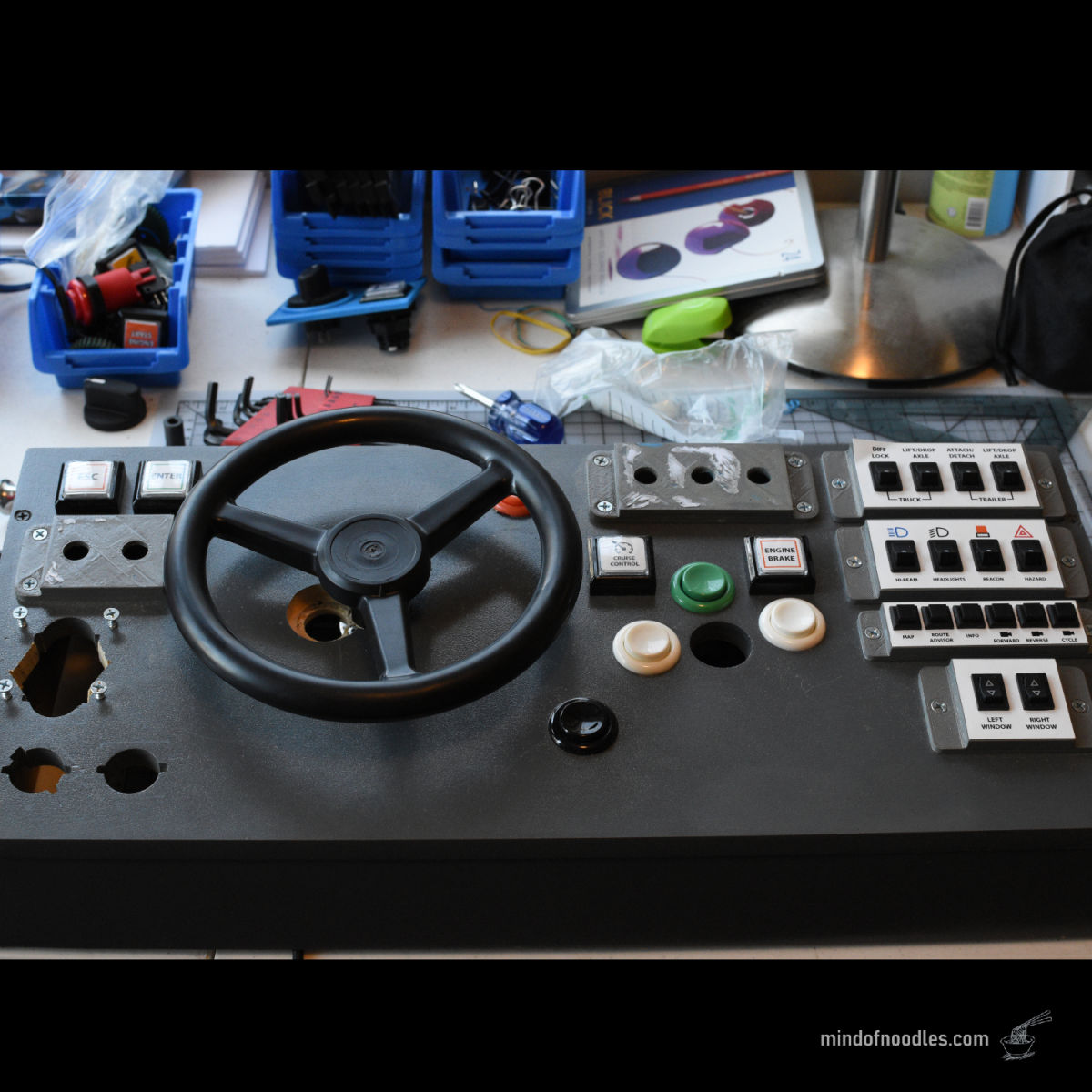
I replaced some buttons, reprinted some labels and reinstalled everything into the case. After this I built a new improved controller and sold the original.
If you want to build a steering wheel like this, you will need an optical rotary encoder like the one pictured:
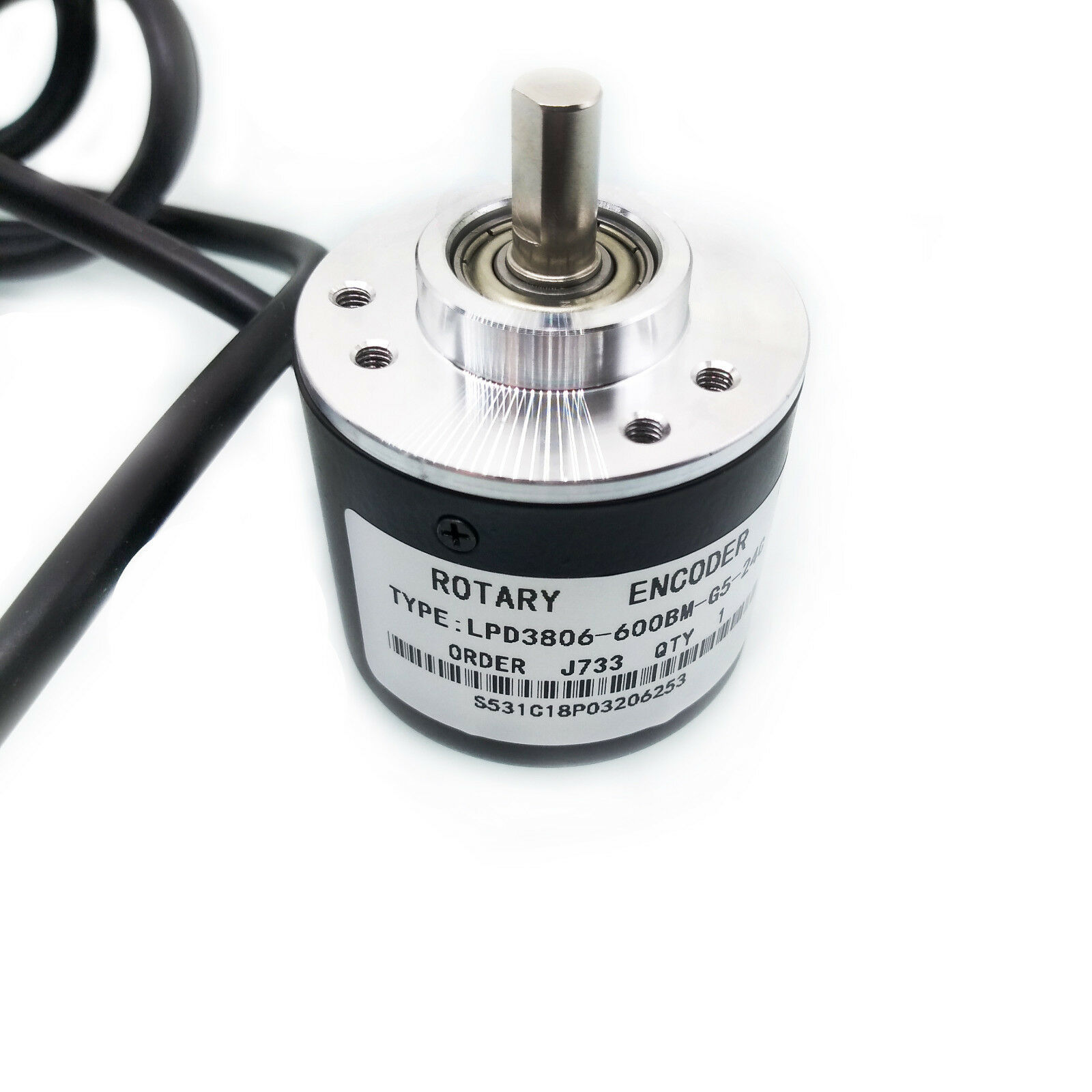
This is a 600 P/R 5V-24V Incremental Rotary Encoder, can be found for a low price online.
Here is the arduino code for the steering wheel side. This code is for ATmega32u4 Arduino boards. It is not that good, but you can use it as reference.
Arduino CodeLink to Arduino Joystick Library (necessary for this to work!)
Joystick Library